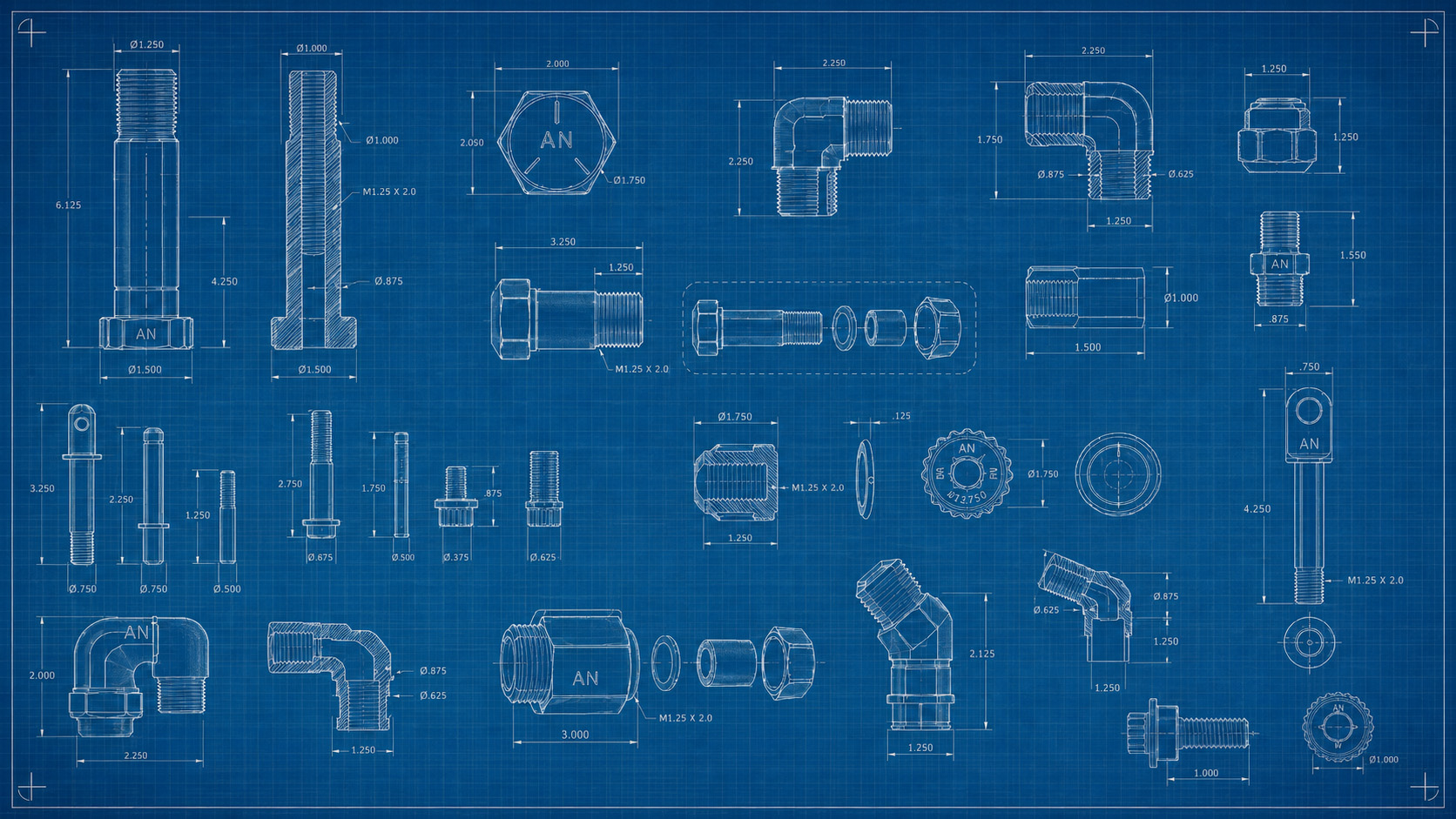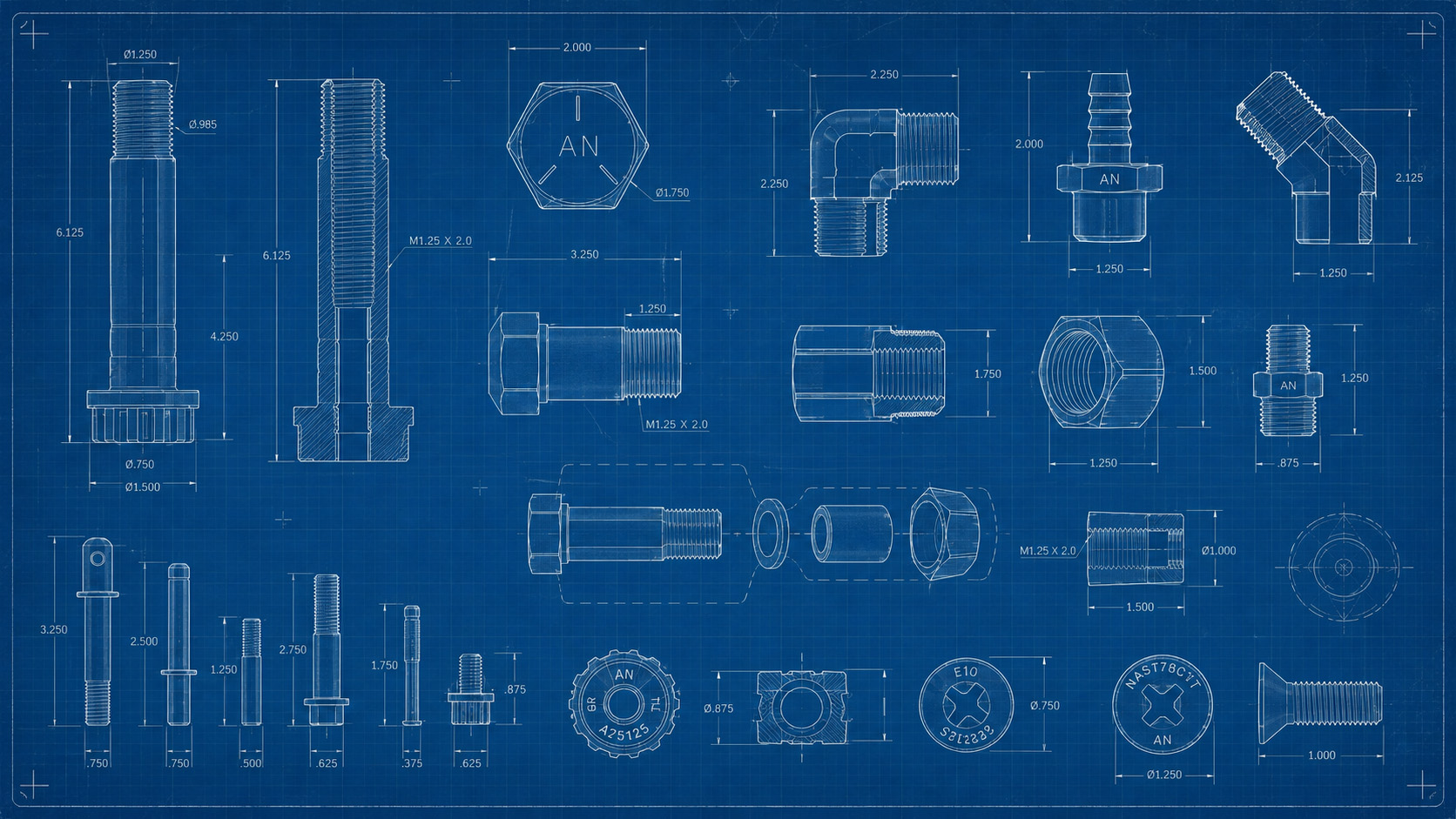
CAD / Drawing Review

Submit CAD files, drawings, and technical specs for aerospace part review.

Air Nation helps buyers, engineers, and procurement teams submit technical files, part drawings, dimensional requirements, material notes, and documentation needs through a clearer project review path.
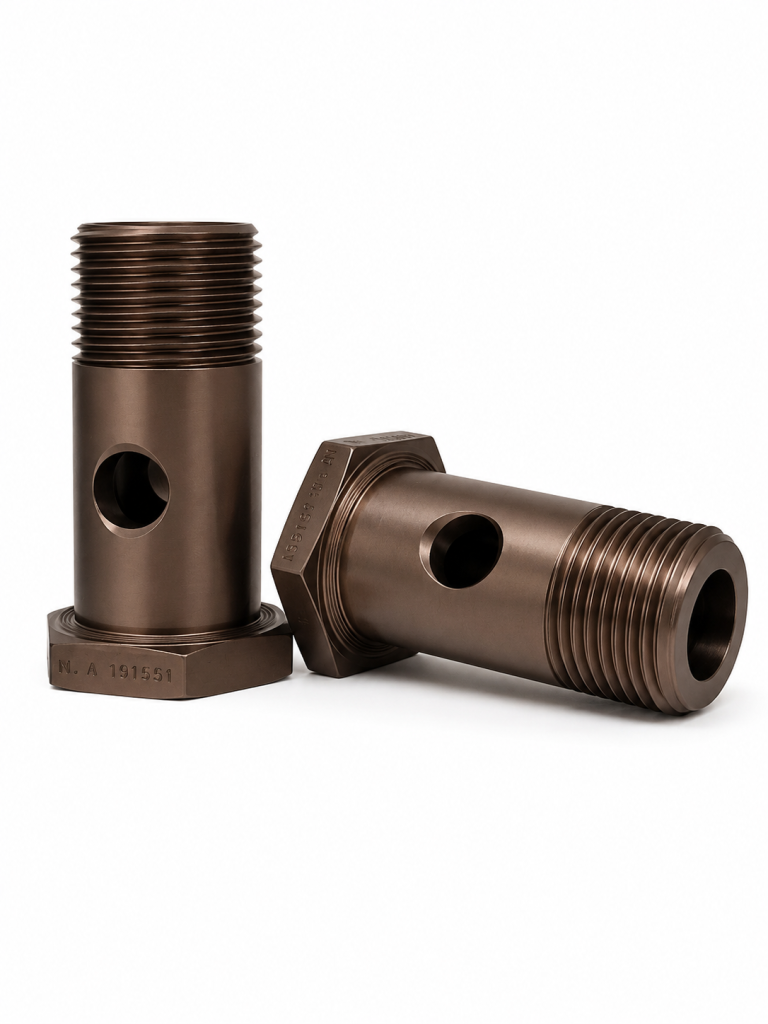
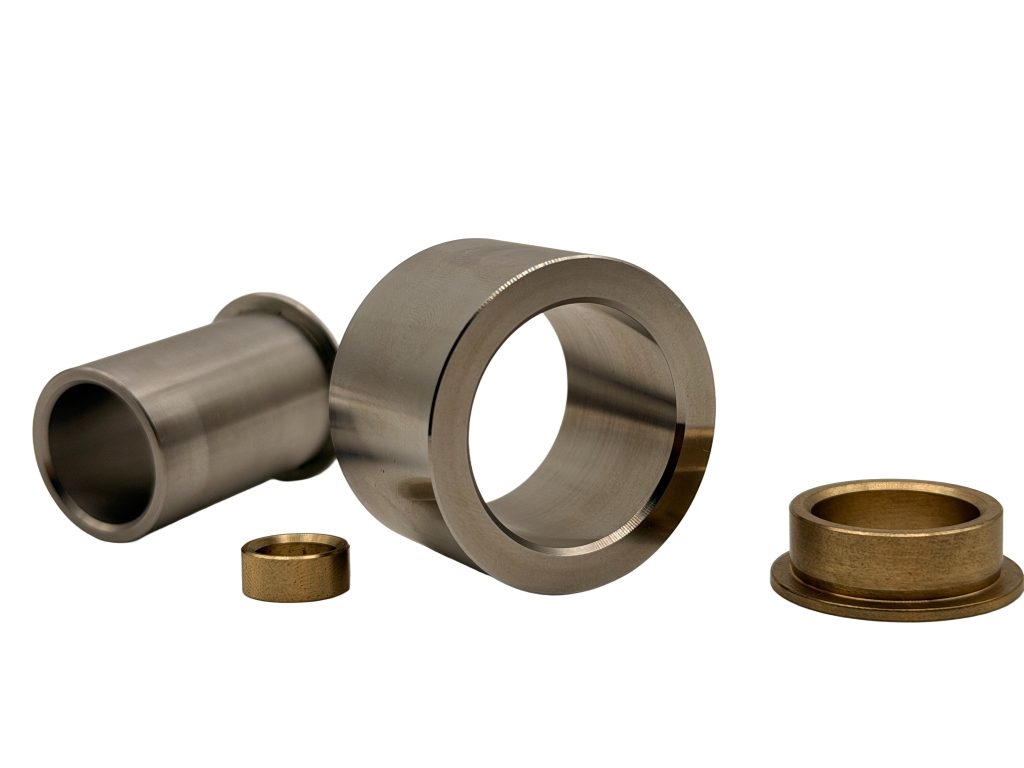
Technical File Review

Turn drawings and CAD files into a better project submission.

Aerospace part requests often begin with CAD files, engineering drawings, old prints, part photos, sketches, or incomplete specifications.

Air Nation’s CAD / Drawing Review process helps organize those files into a cleaner intake workflow so the request can be reviewed, clarified, and routed toward quote follow-up without unnecessary delays.

Review Support

A structured way to submit technical part information.

Air Nation collects the information buyers and engineers already have: files, drawings, dimensions, materials, quantities, timelines, and documentation needs.

CAD File Intake

Submit STEP, STP, STL, IGES, IGS, DXF, DWG, and related files for project review.

Drawing Review

Upload technical drawings, engineering PDFs, sketches, revision notes, and part documentation.

Requirement Capture

Provide dimensions, materials, tolerances, finishes, quantities, deadlines, and documentation requirements.

RFQ Preparation

Help Air Nation understand the project scope before quote review, sourcing, or technical follow-up.

File Checklist

Include the details that make review faster and cleaner.

A complete file package helps Air Nation understand the part, application, requirements, and quote path before follow-up begins.

CAD Files

Upload 3D files such as STEP, STP, STL, IGES, or IGS when available.

2D Drawings

Provide PDF, DXF, DWG, sketches, old prints, revision notes, or engineering documentation.

Part References

Include part numbers, photos, damaged part images, legacy references, product names, or existing samples.

Critical Dimensions

Call out key measurements, fitment requirements, hole locations, mounting points, and assembly interfaces.

Material & Finish

List required material, alloy, coating, plating, anodizing, surface finish, or application-specific requirements.

Quantity & Timeline

Share prototype, sample, low-volume, or production quantities along with target delivery dates.

What We Review

Drawing review starts with understanding what matters most.

A CAD file or drawing is only part of the story. The review process should also capture the part’s purpose, application, environment, quantity, and documentation requirements.

3D CAD files and 2D engineering drawings
Part numbers, revisions, and reference documents
Critical dimensions and tolerance notes
Material, finish, and coating requirements
Prototype, replacement, or production intent
Certification, inspection, or compliance documentation needs
Review Workflow

A simple process for CAD and drawing submissions.

This workflow gives buyers and engineering teams a clear path from file upload to next-step follow-up.

01. Upload Files

Submit CAD files, drawings, PDFs, photos, part numbers, and project notes.

02. Identify Requirements

Share materials, tolerances, finishes, quantities, timelines, and documentation needs.

03. Review Submission

Air Nation reviews the request for scope, missing details, quote readiness, and follow-up needs.

04. Follow Up

The request moves toward clarification, quote review, sourcing, documentation, or additional discussion.

Accepted File Types

Use common engineering and document formats whenever possible.

File support may depend on the website form, hosting limits, and internal review process. For large, sensitive, or restricted files, contact Air Nation before uploading.

3D CAD

STEP, STP, STL, IGES, IGS, and ZIP packages containing related CAD files.

2D Drawings

PDF, DXF, DWG, technical sketches, scanned drawings, and revision documents.

Images

JPG, JPEG, PNG, and part reference photos showing existing components or assemblies.

Supporting Docs

Specification sheets, material notes, inspection requirements, vendor forms, and documentation requests.

Drawing Review Details

Details that help prevent delays.

When submitting drawings, include the supporting information needed to understand the project clearly.

Revision Level

Include the current drawing revision, date, related change notes, and any superseded versions if relevant.

Units

Confirm whether measurements are in inches, millimeters, or another required standard.

Critical Features

Call out threads, holes, slots, radii, mating surfaces, mounting areas, and inspection-critical geometry.

Application

Describe how the part will be used, where it fits, what it connects to, and what function it performs.

Finish Requirements

Provide surface finish, coating, anodizing, plating, passivation, polishing, or cosmetic requirements.

Documentation

List material certs, inspection reports, traceability, compliance paperwork, or supplier documentation needs.

Technical Review

Complete files help create a clearer review path.

Submitting CAD files, drawings, photos, specifications, material requirements, quantities, revision details, critical dimensions, documentation needs, and target timelines helps Air Nation review the request properly.

Submit Files

Useful Submission Details

Part numbers and product references
STEP, STP, STL, IGES, DXF, DWG, and PDF files
Photos, sketches, diagrams, and supporting documentation
Material, finish, quantity, and delivery requirements
Certification, inspection, and traceability requests
Submit CAD / Drawings

Upload your files and project details for review.

Submit CAD files, drawings, photos, specifications, and notes. Include material requirements, quantities, revision details, critical dimensions, documentation needs, and target timeline.

STEP / STP files
STL / IGES files
DXF / DWG files
PDF drawings
JPG / PNG photos
ZIP packages

CAD / Drawing Review Form

Submit your files and project details below.

Customer Contact Information

Name

Technical Project Details

File Type Being Submitted

Documentation, Inspection, and Compliance

Documentation Requirements
Inspection Requirements

Files and Additional Notes

Drag & Drop Files, Choose Files to Upload
Ready for Review?

Send Air Nation your CAD files, drawings, and project requirements.

Upload the available files, explain the request, and include the technical details needed for review.