Project Submission

Submit aerospace project files, part requirements, and technical documentation for review.

Use this page to send Air Nation drawings, CAD files, part numbers, product photos, specifications, sourcing needs, manufacturing requirements, and documentation requests.

Central Project Intake

One place to submit aerospace part requests, drawings, sourcing needs, and project details.

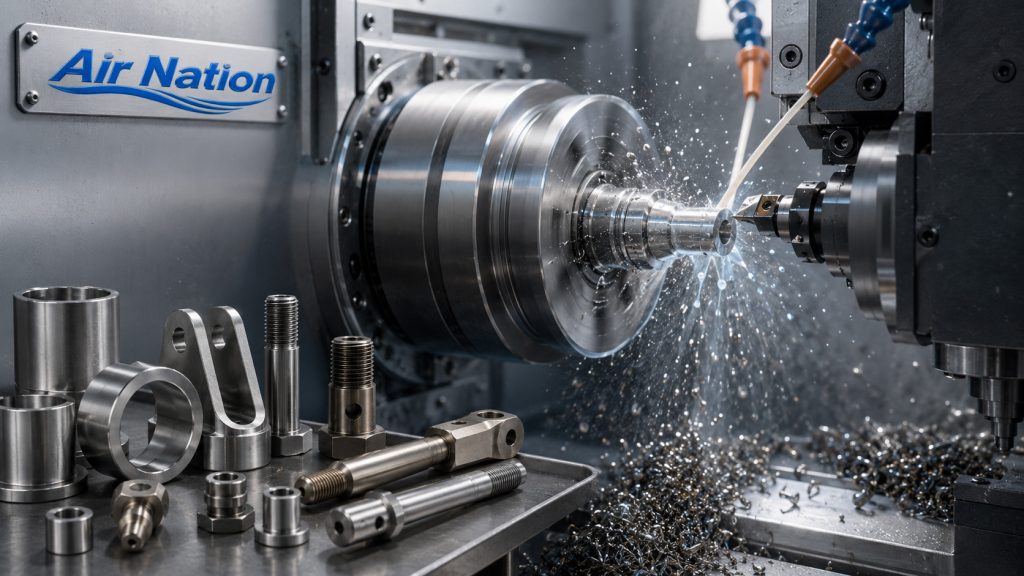
Aerospace and precision-part projects often involve multiple moving pieces: drawings, CAD files, photos, part numbers, materials, quantities, tolerances, certifications, supplier requirements, and deadlines.

The Air Nation project submission workflow helps collect those details in one structured path so requests can be reviewed more efficiently.

Review Support

A structured intake path for files, RFQs, documentation, and project review.

Air Nation collects the information needed to understand the request, route it properly, and follow up with clearer next steps.

Upload Technical Files

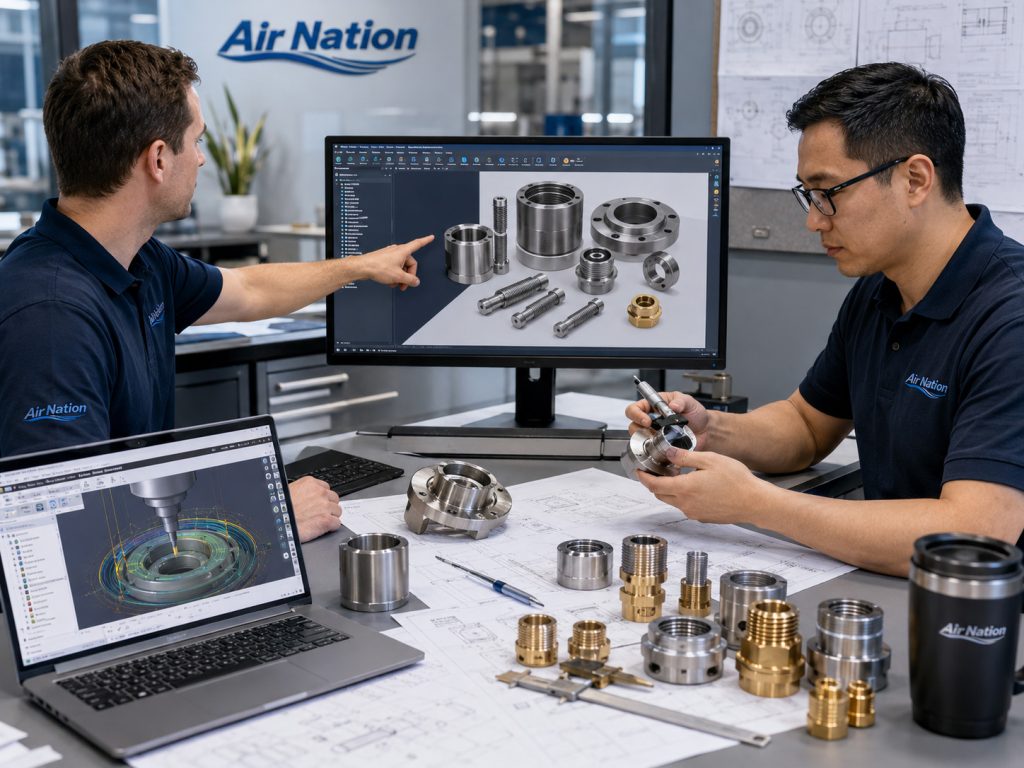
Submit CAD files, PDFs, drawings, photos, specifications, sketches, and project reference documents.

Describe the Requirement

Provide part details, material requirements, quantities, delivery timelines, documentation needs, and project notes.

Route the Request

Project submissions can be used for part design, CAD review, manufacturing support, product sourcing, or quality documentation.

Reduce Back-and-Forth

A complete submission gives Air Nation the information needed to understand the request and follow up more efficiently.

Submission Checklist

Include the project details that matter most.

The more complete the submission, the easier it is for Air Nation to review scope, identify missing details, and respond with the right next step.

Project Type

Select whether the request is for part design, CAD review, product sourcing, manufacturing support, documentation, or general review.

Part Information

Include part name, part number, revision level, manufacturer reference, alternate numbers, or legacy identification.

Technical Files

Upload drawings, CAD files, engineering PDFs, photos, sketches, specifications, inspection notes, or supporting documents.

Material & Finish

Provide required material, alloy, finish, coating, plating, anodizing, surface treatment, or buyer-specific material requirements.

Quantity & Timeline

Share prototype, low-volume, production, or repeat-order quantities along with target delivery dates or procurement deadlines.

Documentation Needs

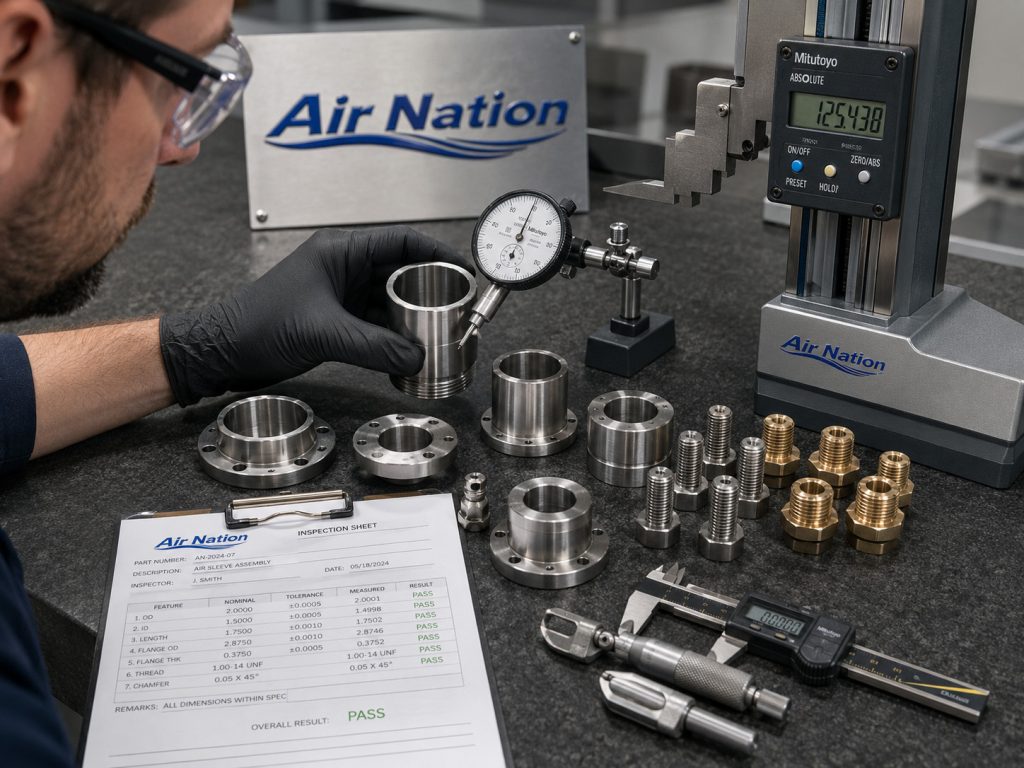
List certification, traceability, inspection, material documentation, compliance, vendor onboarding, or quality requirements.

What You Can Submit

Use this page for technical, procurement, sourcing, and documentation requests.

Project submissions can include early-stage ideas, completed drawings, known part numbers, replacement part needs, sourcing requests, manufacturing support requirements, or documentation questions.

New aerospace part or custom component requests
CAD files, drawings, sketches, PDFs, and technical specifications
Product sourcing requests for known or hard-to-find parts
Manufacturing support requests with material, quantity, and finish requirements
Quality, certification, traceability, and documentation requests
Procurement, vendor onboarding, or buyer-specific requirement packages
Submission Workflow

A straightforward process for project review.

This process helps buyers, engineers, and procurement teams submit information in a way that is easier to review and route internally.

01. Submit

Send project details, files, drawings, part numbers, photos, requirements, and documentation needs.

02. Review

Air Nation reviews the request for scope, missing information, file completeness, and the best next-step path.

03. Clarify

If needed, Air Nation follows up for missing dimensions, materials, quantities, certifications, or project details.

04. Respond

The buyer receives follow-up for quote review, sourcing, documentation, technical discussion, or additional project intake.

Project Categories

Route your submission to the right review path.

Different project types need different details. Use the project type field in the form so Air Nation can understand whether the request is design-driven, sourcing-driven, manufacturing-driven, or documentation-driven.

Part Design

For custom parts, replacement components, sketches, design ideas, and engineering intake requests.

View Part Design

CAD / Drawing Review

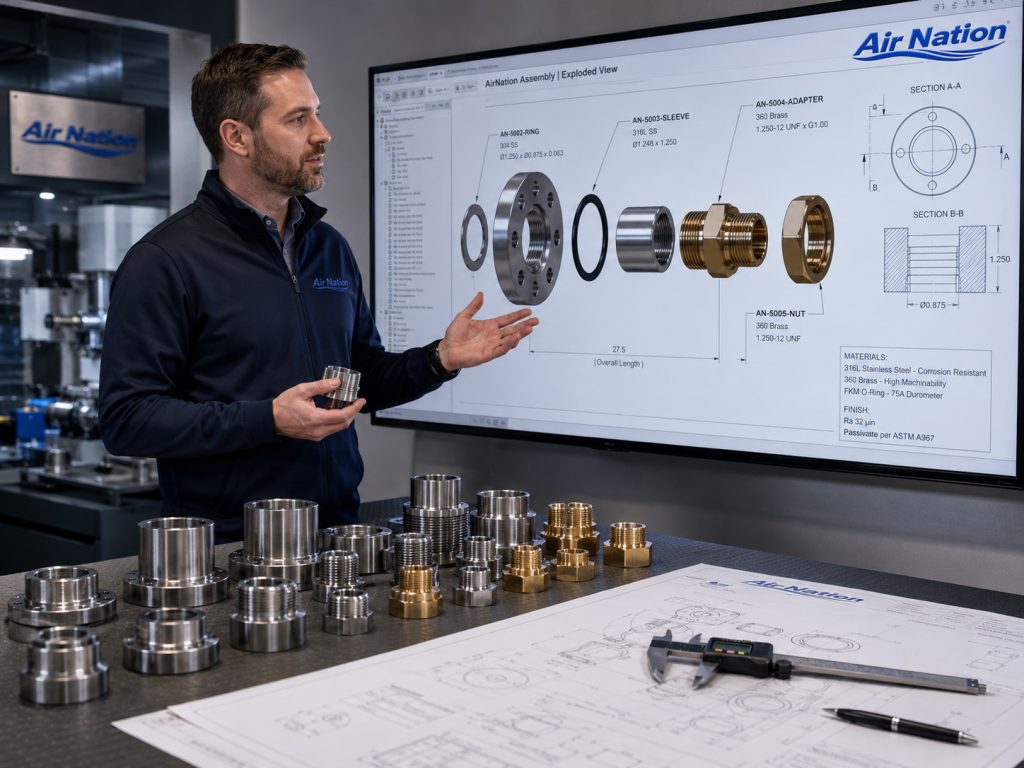
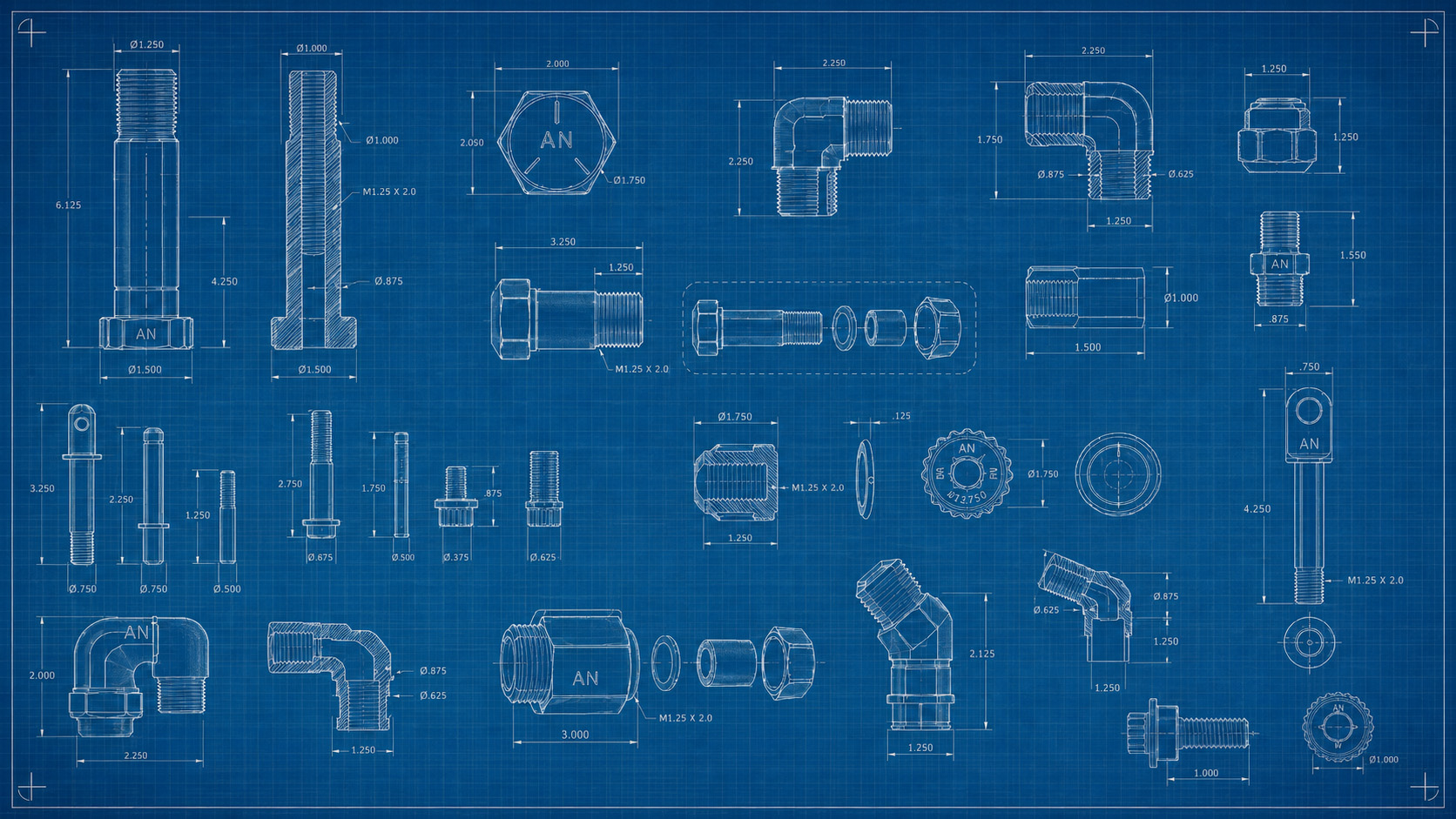
For technical files, 2D drawings, 3D CAD models, revision notes, and dimensional requirements.

View CAD Review

Product Sourcing

For known part numbers, hard-to-find products, procurement requests, and documentation needs.

View Sourcing

Manufacturing Support

For production planning, material requirements, quantities, finishes, inspection needs, and timelines.

View Support

File Upload Guidelines

Prepare files before submitting your project.

Use common technical, image, and document formats. For large, sensitive, confidential, or restricted files, contact Air Nation before uploading.

CAD Files

STEP, STP, STL, IGES, IGS, DXF, DWG, and ZIP packages for related files.

Documents

PDF drawings, specification sheets, vendor forms, purchase requirements, and technical documents.

Images

JPG, JPEG, and PNG images of parts, assemblies, labels, packaging, damaged components, or references.

Compressed Files

ZIP files can be used to group drawings, models, photos, and documentation into one project package.

Security & Sensitive Files

Do not upload restricted technical data without approval.

Do not submit classified, export-controlled, ITAR-controlled, EAR-controlled, military-sensitive, confidential, or restricted technical data unless Air Nation has agreed in writing to receive that information through an approved process.

For projects requiring NDA review, special handling, or secure file transfer, contact Air Nation before submitting sensitive files through the website.

Contact Air Nation

Before Uploading

Confirm you are authorized to share the files
Verify file accuracy before submission
Review confidentiality requirements
Check export-control restrictions
Contact Air Nation first if special handling is required
Project Snapshot

Make the submission easy to process.

These quick markers help visitors understand what should be included before sending a project request.

CAD

File Uploads

RFQ

Quote Details

DOC

Documentation

QA

Review Path

Submit Your Project

Send project details, upload files, and describe what Air Nation should review.

Include project type, part information, CAD files, drawings, photos, material requirements, quantities, target timeline, documentation needs, and preferred contact method.

Project type and requested review path
Part number, reference, drawing, or project name
CAD files, drawings, PDFs, images, or ZIP packages
Material, finish, quantity, and timeline requirements
Certification, inspection, or documentation needs
Preferred contact method and buyer information

Project Submission Form

Name
Preferred Contact Method
Documentation Requirements
Drag & Drop Files, Choose Files to Upload
Ready to Submit?

Send Air Nation your aerospace project package for review.

Upload the available files, explain the requirement, and include the project details needed for follow-up.